

Flexible digital skills and AI Copilot workshop packages
Courses
Lift productivity, reduce overload, and build confident AI adoption across your organisation.
Reduce email and task overload.
Improve team productivity and clarity.
Build confident use of Microsoft Copilot across all apps.
Choose the format that suits your organisation
Full program series
Build organisation wide capability and consistency
Workshop series
Focus on priority skill areas across teams
Single workshops
Target specific gaps or immediate needs
Every workshop includes
✅ Unlimited staff per session
Train your whole team for one fixed price.
✅ Recordings included if book 3 or more workshops
New starters and busy staff can catch up anytime.
✅ 90-minute to 2-hour workshops with follow-up support coaching
Practical training with time for questions and real-world scenarios.
✅ Tailored to your Microsoft environment and business processes
Staff follow along on their own computers, applying the skills directly to the way they work.
What you will cover
Managing email, calendar and workload.
Task management and follow through.
Microsoft Teams communication.
Introduction to Copilot and AI.
Digital wellbeing habits.
Digital organisation and AI fundamentals
Best for building a consistent baseline across all staff.
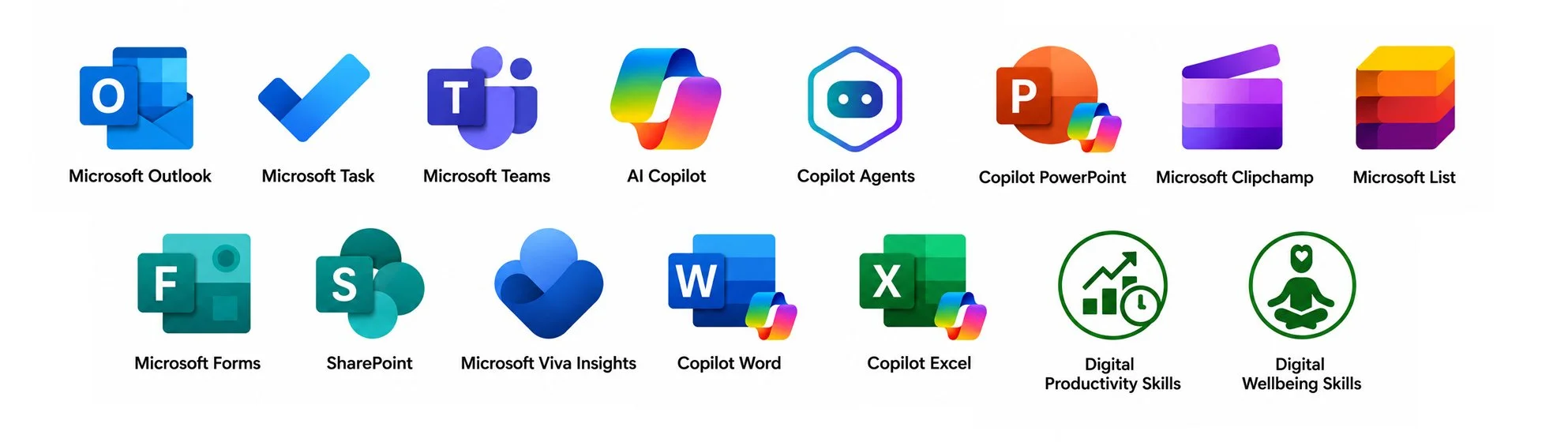
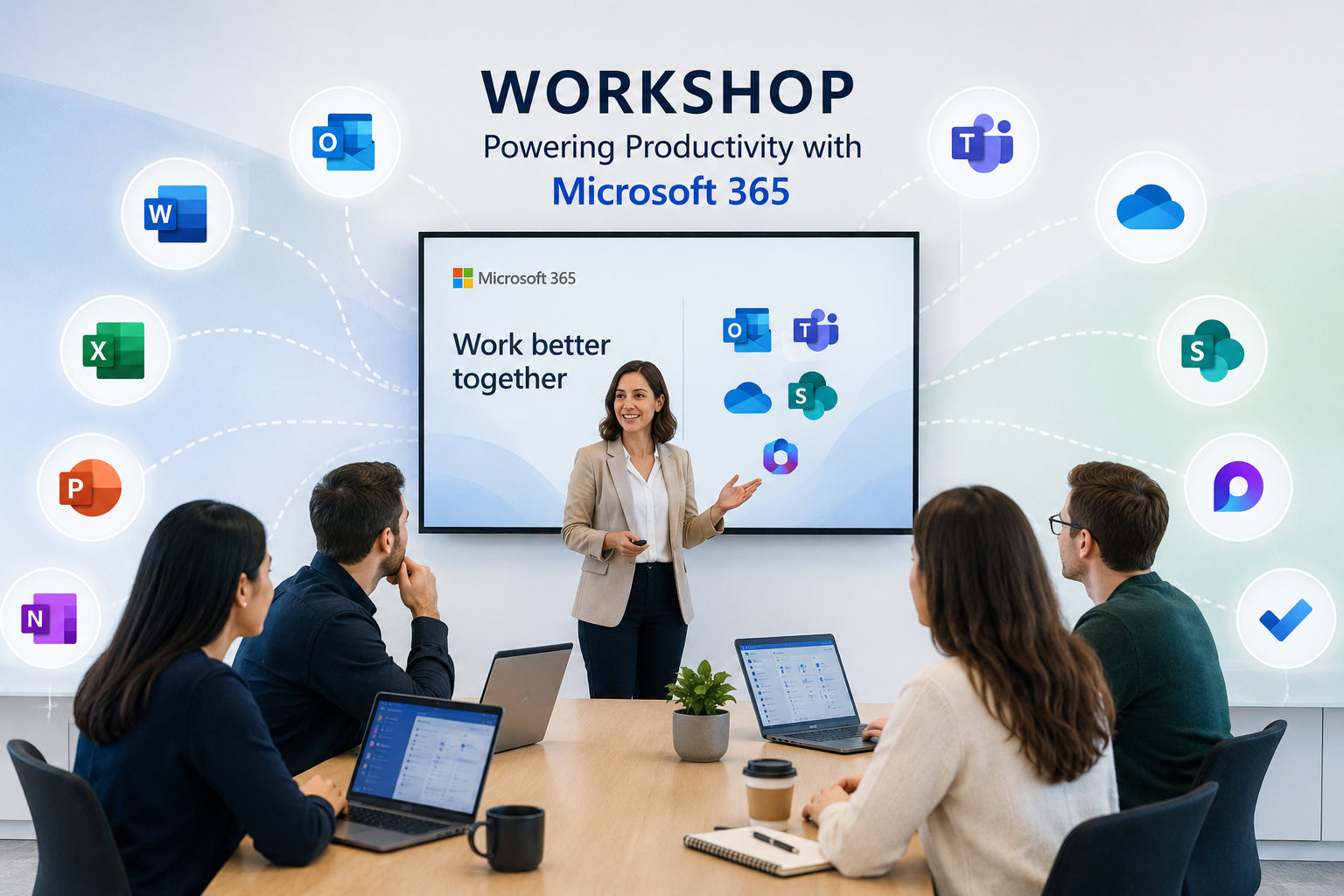
Workshops and Microsoft apps included
Manage email and calendar overload
Microsoft Outlook and CalendarBalance by design
Microsoft Viva InsightsFocus and follow‑through
Microsoft To DoCollaborate smarter
Microsoft LoopPresent with impact
Microsoft Teams presentationsMicrosoft Teams essentials
Microsoft Teams chat, channels and searchMake meetings matter
Microsoft Teams meeting managementAI at work
Microsoft Copilot
Outcomes
Reduced email overload.
Better time management.
Confident daily use of Microsoft tools.
Solid foundation of AI Copilot no licence required.
Select one workshop, a recommended learning series, or build a tailored program for your teams
AI Copilot across Microsoft 365
Best for scaling safe and effective AI use across Word, PowerPoint, Outlook, Teams, Excel, Tasks, Agents and workflows. * Copilot Microsoft 365 licence required
Workshops and Microsoft Apps included
1. Responsible AI and Copilot chat skills
Copilot area: Copilot Chat 365 licence tools and essentials.
What staff learn: Safe, ethical use, privacy and verification.
Organisational value: Reduced risk and rework.
2. Copilot for Outlook
Copilot area: Email and calendar.
What staff learn: Draft emails, summarise threads, prepare meetings.
Organisational value: Less admin, faster coordination.
3. Copilot for Teams
Copilot area: Meetings and collaboration.
What staff learn: Summaries, actions and decisions.
Organisational value: Better continuity and handover.
4. Copilot for Word
Copilot area: Documents.
What staff learn: Draft, summarise and rewrite with quality checks.
Organisational value: Faster, higher quality outputs.
5. Copilot for PowerPoint
Copilot area: Presentations.
What staff learn: Create story structure and slides.
Organisational value: Clear executive communication.
6. Copilot for Excel
Copilot area: Analysis.
What staff learn: Generate insights and explain data.
Organisational value: Reduced analysis time.
7. Copilot agents and workflows
Copilot area: Repeatable tasks and workflows.
What staff learn: Understand agents, reusable workflows and agent-specific prompts.
Organisational value: Consistency and reuse.
What you will cover
Responsible AI and governance.
Copilot across Microsoft apps.
Prompting that improves quality.
Verification and risk reduction.
AI workflows.
Outcomes
Faster work and communication.
Reduced rework and errors.
Consistent high quality outputs.
Time savings across teams.
Smarter digital collaboration and workflows
Best for improving collaboration, governance and consistency.
What you will cover
SharePoint structure and document management.
Lists for tracking and visibility.
Planner for workload and projects.
Forms for structured data capture.
Reducing duplication.
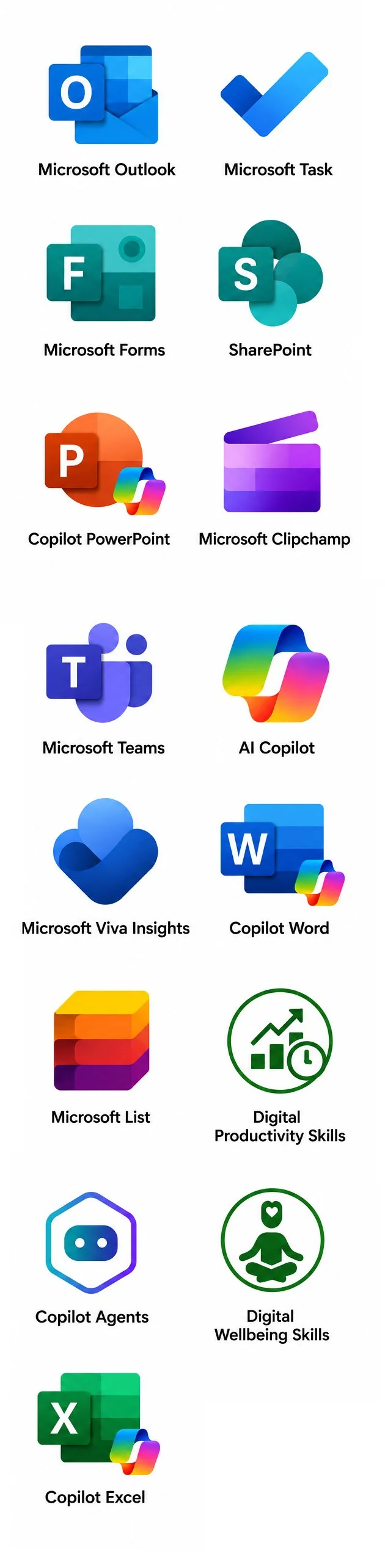
Workshops and Microsoft apps included
Microsoft Forms
Workshop focus: Data collection.
Staff problem addressed: Manual surveys and retyping.
Microsoft Clipchamp
Workshop focus: Managing meeting recordings.
Staff problem addressed: Hard to find older recordings, long unedited meetings.
Desktop and Edge
Workshop focus: Personal desktop and search workflows.
Staff problem addressed: Cluttered desktops and inefficient research.
Microsoft Lists
Workshop focus: Information tracking.
Staff problem addressed: Spreadsheet sprawl and version confusion.
SharePoint
Workshop focus: Team content.
Staff problem addressed: Multiple versions and poor handover.
Microsoft Planner
Workshop focus: Improving project and task management.
Staff problem addressed: Missed deadlines, unclear task ownership, risks and project status.
Digital life admin hacks (bring your own device Apple and Android)
Workshop focus: Personal digital organisation and data security insights.
Staff problem addressed: Life admin overload and work life balance.
Outcomes
Clear single source of truth.
Stronger accountability.
Improved workflows and audit readiness.

✅ No Microsoft Copilot licence?
Start with Digital organisation and AI fundamentals to build strong workplace habits and get the most from Microsoft 365 and AI tools.
✅ Have a Microsoft Copilot licence?
Start with AI Copilot across Microsoft 365 to learn how to use Copilot in Outlook, Teams, Word, PowerPoint, Excel and Agentic Agents & workflows.
✅ Ready for the next step?
Build on your skills with Smarter collaboration and workflows to streamline work and automate routine tasks.
Not sure where to start?
Ready to lift capability across your team?
Build the digital and AI capability your teams need to work smarter today.